
Creating Your Service Provider Account
Sign up at app.vanio.ai, select the Service Provider workspace type, add your company details, and invite your first team member.
Step 1: Sign Up
Go to app.vanio.ai and create an account with your email address.
Step 2: Select Workspace Type
During onboarding, select Service Provider as your workspace type. This configures your dashboard for managing cleaning staff, turnovers, and host client relationships.
Step 3: Add Company Details
- Company name — displayed to hosts when they receive your connection request
- Phone number — your business contact number
- Service area — the cities or regions you cover
Step 4: Invite Your First Team Member
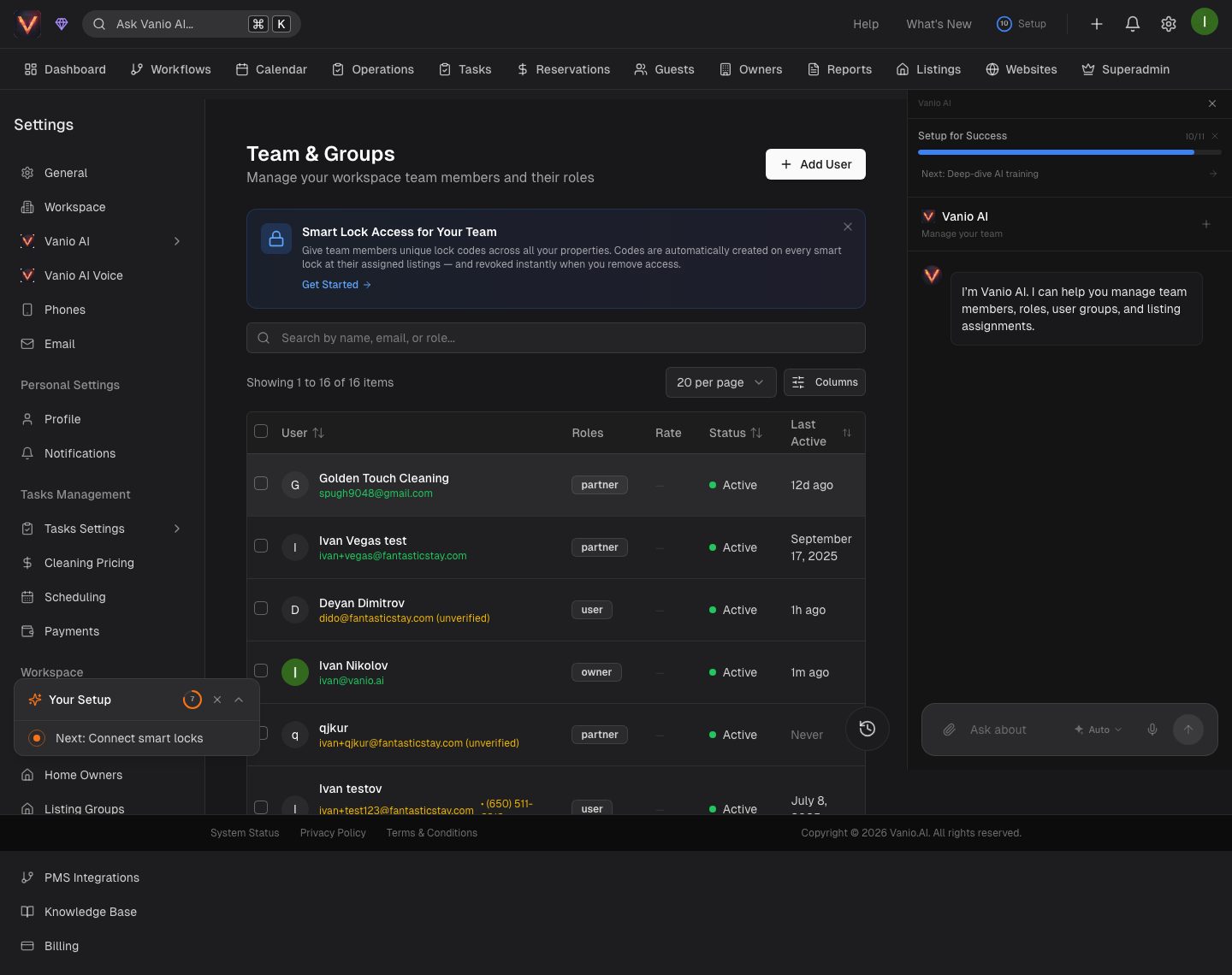
Go to Settings → Team and add a team member:
- Their name
- Their phone number (how they receive task dispatches)
- Their role — Cleaner, Inspector, or Manager
Team members who are cleaners do not need a Vanio account. They work entirely via SMS. Only add Vanio accounts for people who need dashboard access.
Step 5: Connect Your First Host
Four options to start receiving turnovers:
- Vanio workspace — if your host already uses Vanio
- Email forwarding — connect your Gmail or IMAP inbox that receives booking confirmations
- iCal calendar — paste a calendar URL from Airbnb or Google Calendar
- PMS integration — connect through the app marketplace
What Happens Next
Once a host is connected and a checkout is detected, your first turnover task will appear on the dashboard and be dispatched to your team via SMS.
Getting Started
This guide is also relevant for: