
How Turnovers Auto-Create from Host Calendars
When a guest checks out from any connected property, Vanio automatically creates a cleaning task, assigns it, and dispatches via SMS.
The Flow
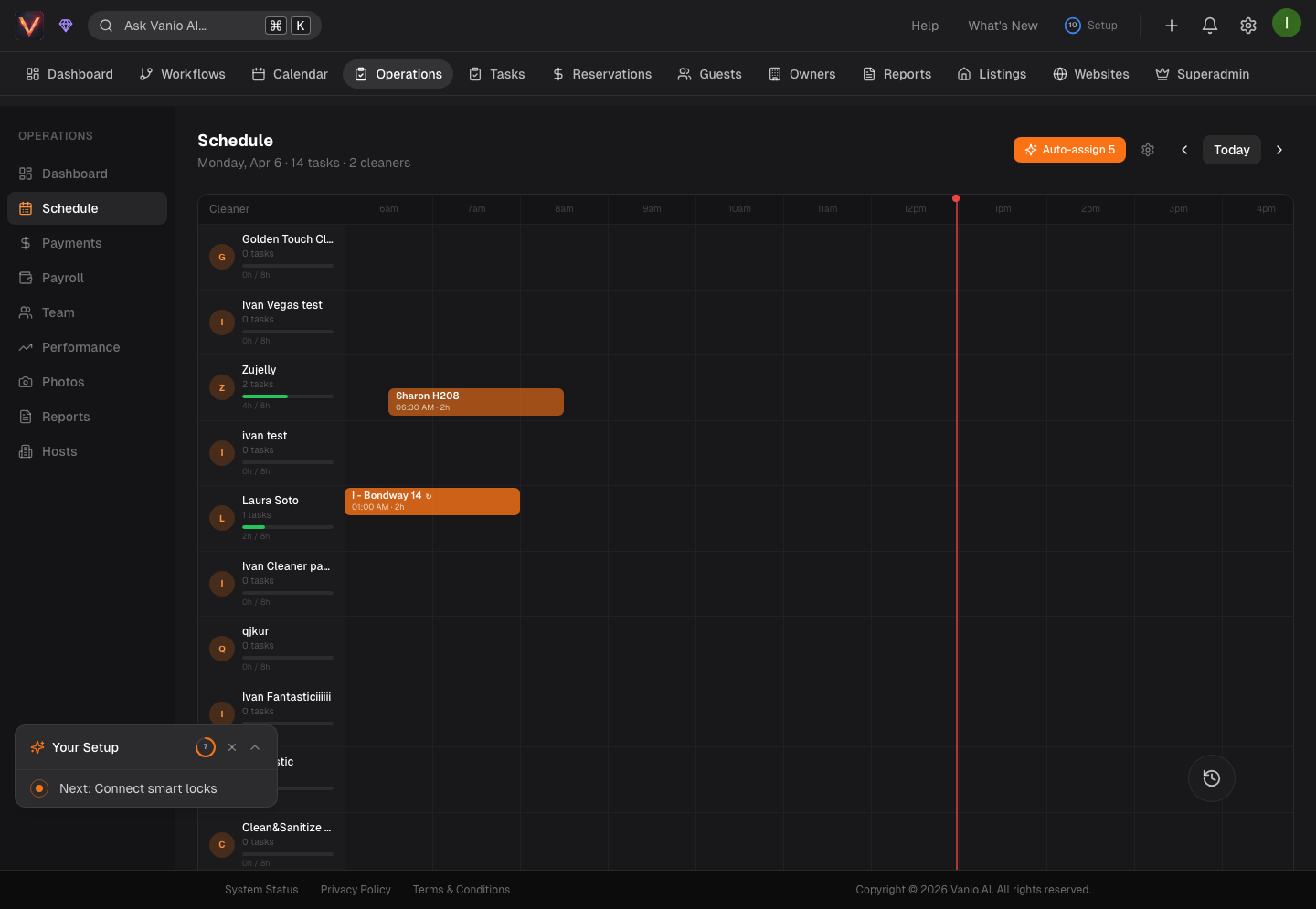
Guest checkout detected → Cleaning task created → Assigned to primary cleaner → SMS dispatched
This happens automatically. No manual entry, no copy-pasting from calendars.
What Triggers a Turnover
A turnover task is created when Vanio detects a gap between one reservation's checkout and the next reservation's check-in at the same property:
- Same-day turnovers — guest checks out at 11am, next guest checks in at 3pm
- Gap days — one or more empty nights between reservations
- Back-to-back bookings — the most time-sensitive scenario, flagged as high priority
What the Task Contains
- Property name and address
- Checkout date and time
- Check-in date and time (your deadline)
- Guest count for the next reservation
- Special instructions from the host
- Checklist if configured for that property
How Assignment Works
The system checks for a primary cleaner assigned to that property. If one exists, they get the task directly via SMS. If unavailable, the AI auto-assignment engine evaluates proximity, workload, skills, and availability to find the best match.
When Changes Happen
- Date change — task moves to the new checkout date
- Cancellation — task is cancelled, staff notified via SMS
- New booking added — new turnover created if needed
You do not need to monitor calendars for changes. The system handles it.
Scheduling & Dispatch
cleaning-coscheduling
Last updated April 2026